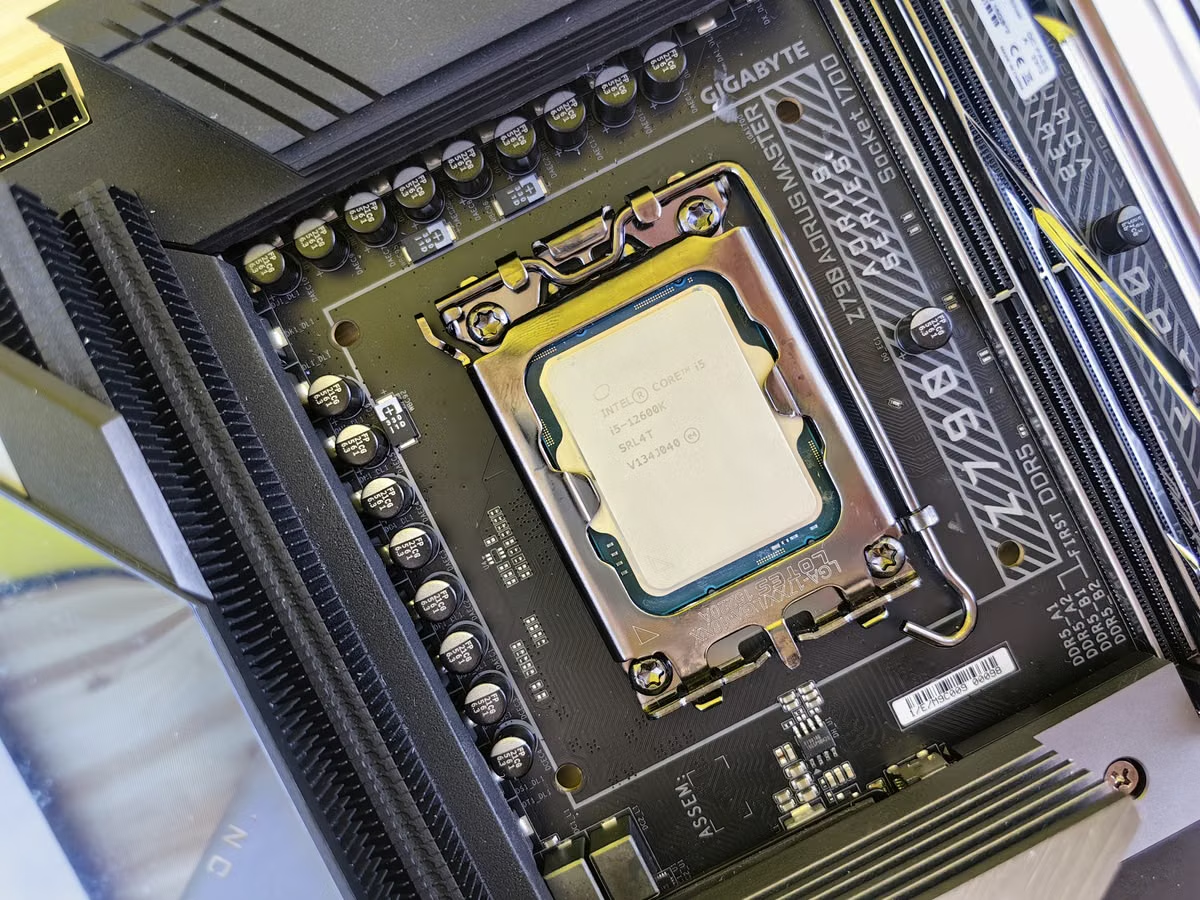
Symptom: The Mac is powered on, but your team still cannot prove that a production iOS job will reach it, build, sign, and recover cleanly.
Fastest answer: Treat the Mac mini M6 as an enterprise iOS CI node only after an isolated pilot passes representative build, test, signing, routing, and recovery checks. Expand, run more tests, or pause based on evidence from your own workflows—not the chip name.
Who this is for: Enterprise IT leaders assessing a new or replacement Mac CI node.
CI/CD engineers configuring a self-hosted Runner and job routing.
Technical leads deciding whether the node fits their team's build, test, and release work.
Last updated November 5, 2026. Product dates were checked against Apple's Mac mini announcement and availability announcement; Xcode requirements and Runner guidance were checked against the linked Apple and CI platform documentation below.
Before the pilot: define what “accepted” means
A running host is not an accepted CI node. First write down which workflows you are evaluating and what a successful run must prove. Separate routine iOS builds from automated tests and signing or release preparation; each exercises a different combination of tools, permissions, credentials, and operational procedures.
Record the current production path before changing it. Note which jobs run, which dependencies they fetch, where artifacts go, who authorizes signing, and how the team handles failed or delayed jobs. This gives you a comparison point and helps you spot a pilot that passes only because someone performed an undocumented manual step.
Set a boundary for the trial. Keep production jobs on their existing path until the new node has passed its agreed checks. Use test credentials and non-sensitive workflows where possible. Decide in advance which person owns the pilot, who can change the host, and who approves any move toward production.
Acceptance criteria should describe observable outcomes, not impressions. For example: the intended job reaches the intended machine; the build produces the expected artifact; a test failure is visible in logs; and a person on the support rotation can follow the recovery procedure. Record the actual environment and workflow with each result.
The result you want: a written test scope, a known production baseline, and pass-or-fail conditions that another engineer can reproduce.
At intake: verify the host and access path
Check the actual Mac mini M6 assigned to the pilot. Record its model and chip identity, installed macOS version, available disk space, network path, and the account or access method your organization permits. Use evidence from the machine and your own inventory process. Do not infer configuration or management features from a product family name.
Then test how the node behaves under your access policy. Confirm that the people responsible for maintenance can reach it, that access is limited to the intended team, and that your approved login and privilege model works. If you depend on remote access after a restart, test that path rather than assuming it will return automatically.
Include organizational constraints in the intake record. A team may need to approve network access, host enrollment, credential storage, or changes to a signing account before a CI job can run. These are often schedule risks: the machine can be technically ready while the required approvals remain incomplete.
Finally, agree on what evidence to keep. Capture system details, relevant configuration, job logs, and the identity of the person who performed each check. Redact secrets. Keep the record where the team already tracks infrastructure changes; a screenshot without context is weak evidence when the environment changes later.
Access check: If nobody can explain how the node becomes reachable after a restart, do not count remote recovery as tested. Assign that check before routing a production-like job.
At toolchain setup: establish the Xcode and project fit
Choose the Xcode version your project actually requires, then verify its macOS requirements against Apple's current system-requirements page. The support relationship can change as releases move forward, so use the current documentation when you prepare the pilot—not an old setup note or an assumption based on another Mac. Apple's Xcode system requirements are the reference for the supported system pairing.
If Xcode 27 is the intended target, treat it as a version to validate in that environment. Do not assume that the target can be installed or that a project will build simply because a system combination appears in Apple's requirements. Check the installed Xcode selection, command-line tools, and any project-specific configuration used by your CI scripts.
Next, run the team's real dependency and build path. Include dependency resolution, code generation, shell scripts, and components that may behave differently across processor architectures. A clean build on a developer's existing machine can conceal cached dependencies or local settings. For the pilot, record whether the job starts from a clean state and what it downloads or reuses.
Test the work that matters to your release process. If you expect the node to run automated tests, include the relevant test target and make failures visible. If you expect it to prepare signed artifacts, verify the credential and provisioning-profile path under the team's approved access model. Apple's provisioning profile guidance describes profile creation, but it does not establish that your team's credentials, permissions, and project settings are correctly wired into CI.
A compatibility page answers whether a toolchain pairing is supported. Your own build answers whether your project, dependencies, scripts, and permissions work together.
At runner connection: prove that jobs reach this Mac
Follow the official instructions for registering the runner you intend to use. The self-hosted Runner documentation and runner setup instructions cover the platform's supported setup path. Apply your organization's rules for registration credentials, labels, and access.
After registration, inspect the runner's visible status and its assigned labels or queue configuration. A displayed online state is useful but not sufficient. Trigger a low-risk workflow that is explicitly routed to the new node. Have the job record a safe identifier for the machine and retain its logs so you can tell which host ran it.
Keep the first routing test free of sensitive credentials. This confirms the dispatch path without mixing a scheduling check with signing access. Once routing is proven, test the authorized workflow separately. If the job unexpectedly lands elsewhere, stop and correct the routing before interpreting build results.
Also verify that the job can be traced after completion. The team should be able to connect the workflow run, runner identity, and relevant host record without exposing secrets. Review the platform's runner monitoring and troubleshooting guidance when you define how to diagnose an offline or failing runner.
Mid-pilot questions: answers before production routing
Can the Mac mini M6 take on iOS CI jobs?
Potentially, but suitability is a project-level finding, not a conclusion from the M6 designation. Validate the required macOS and Xcode combination, then run the team's actual dependencies, scripts, tests, and signing path. Keep the pilot separate from production until the job produces the expected output and the team can explain how it will detect and recover from failures.
What changes after connecting a GitHub Actions self-hosted Runner?
Registration is only one part of the check. Confirm that the runner has the intended labels, that workflow rules route a test job to it, and that logs identify the machine that executed the work. Start without sensitive credentials. Then validate the authorized job path separately, so routing problems and permission problems do not get confused with each other.
How can you check Xcode 27 against a project?
First use Apple's current system requirements to verify the intended Xcode and macOS pairing. Then install the intended toolchain on the pilot host and run the project from the same kind of clean state your CI process uses. Exercise dependency resolution, architecture-sensitive components, scripts, and tests. Official support information is necessary, but it cannot substitute for a project build.
What evidence should trigger a wider rollout?
Require repeatable evidence for the workflows the team plans to move: correct routing, expected artifacts, visible test failures, approved signing behavior, and a documented way to recover the node. Record the environment and job details behind each result. If an important permission, dependency, or recovery step is unresolved, keep the pilot limited and assign a follow-up test rather than treating a partial pass as approval.
At workflow validation: test real work, not a showcase build
Select representative jobs from the workload you actually intend to support. Avoid choosing only the easiest project or a task that does not exercise the important dependencies. For each job, write down the expected result before you run it.
For a build, check that the expected artifact is produced and can be located by the normal downstream process. For tests, confirm that both successful runs and failures are reported in a way the team can act on. For signing-related work, verify the authorized credential path and the resulting artifact under your release controls. Keep signing credentials out of logs and diagnostic output.
Record failures as part of the result. Note the job, environment, error message, whether a person had to intervene, and the next diagnostic action. A task that passes only after a developer manually changes the host is not evidence of a repeatable CI workflow until that change is understood and documented.
Do not infer capacity, concurrency, or performance from a product announcement or a single run. Measure the team's own representative workload under the conditions it expects to use. If a job competes with another task, or the project behaves differently from a clean start, capture that too. The acceptance record should state exactly which workflows were tested and which were not.
Before rollout: rehearse failure and recovery
Run through the maintenance actions your team expects to perform. Include a planned restart, the process for checking runner status afterward, and the steps for diagnosing a job that fails or stops being scheduled. The point is not to prove that failures cannot happen. It is to make sure the team can recognize and handle the failures in scope.
Assign an owner to each recovery action. Confirm who can access the host, who can update the runner, where logs are reviewed, and how the team returns a workflow to its previous path if the pilot causes disruption. If those responsibilities are not agreed, the node is not operationally ready even if its build passes.
Use a short, explicit checklist before you request rollout approval:
- [ ] Record the actual Mac model, chip identity, macOS version, available space, network path, and access method.
- [ ] Verify the intended Xcode and macOS pairing against Apple's current requirements.
- [ ] Run the team's project from the intended clean build state and record dependencies, scripts, and output.
- [ ] Confirm that a low-risk workflow reaches this runner through the intended labels or queue.
- [ ] Validate automated tests and confirm that failure details are visible to the team.
- [ ] Test the approved signing path without exposing credentials in logs.
- [ ] Rehearse a restart and verify the documented runner and job recovery steps.
- [ ] Assign owners to unresolved issues and record which workflows remain outside the pilot.
Choose among three outcomes. Expand only the workflows that passed their stated checks and have an owner for routine operations. Run more tests when the node works but important project variants, access conditions, or recovery tasks remain unverified. Pause when routing, permissions, expected artifacts, or recovery cannot be demonstrated. Write the decision with its evidence; do not turn a successful pilot for one workload into a blanket stability promise.
When hosted Mac capacity fits the pilot
A team's current arrangement may be good enough for steady, predictable CI. But a temporary pilot or a new workload can expose drawbacks in that arrangement: developers' Macs may not be available when jobs need to run; a shared machine may blur the boundary between personal and CI work; and an existing queue may not provide a clean way to test a new toolchain without changing production routing.
A dedicated purchased Mac gives the organization direct physical control, but it also makes the team responsible for procurement, deployment, maintenance, and eventual replacement. Those may be reasonable costs for a long-lived node that needs local hardware access or sustained, stable use. This acceptance guide does not establish which option has the lower total cost; that depends on your requirements and verified quotes.
For a time-bounded evaluation, renting a remote Mac can offer a way to test a hosted node without first committing to another purchase. It is not the right fit when your workflow requires a physical interface, or when your organization needs a long-term, tightly controlled on-premises machine. Before choosing, compare the access method, environment details, delivery conditions, and operational responsibilities with the acceptance criteria you wrote earlier.
VMKoi is worth assessing if you need a temporary remote Mac environment for the pilot. Start by reviewing the available remote Mac environment information and the access documentation, then confirm that the actual configuration and delivery conditions match your test plan. Keep the decision evidence-based: run your representative task first, and only then decide whether the node belongs in a wider rollout.
Frequently asked questions
Can a Mac mini M6 run an enterprise iOS CI workload?
It may be suitable, but the chip name alone does not establish readiness. Validate your required macOS and Xcode combination, project dependencies, build scripts, tests, signing steps, and recovery process on the actual machine. Keep the first workload isolated from production, then approve only the workflows that pass your team's documented checks.
What should I test after connecting a GitHub Actions self-hosted Runner?
Confirm the runner registers successfully, receives the intended labels, and actually picks up a job routed to those labels. Start with a low-risk workflow that reveals the machine identity and records useful logs without exposing secrets. Then test the authorized build and signing paths, and verify how your team detects an offline runner or diagnoses a failed job.
How do I check whether Xcode 27 and my project dependencies will build?
Treat Xcode 27 as a target to verify, not as proof of compatibility. Check Apple's current Xcode system requirements for the required macOS version, install the intended toolchain, and run your real project on the Mac mini M6. Include dependency resolution, architecture-sensitive components, build scripts, tests, and signing; a supported Xcode and macOS pairing does not guarantee your project will pass.
How should a team decide whether to roll out a new Mac CI node?
Use evidence from the workflows you expect the node to handle. Approve a limited rollout when the required jobs route correctly, produce the expected artifacts, complete their authorized signing steps, and can be recovered using the team's documented process. If a dependency, permission, or recovery step remains unclear, keep the node in the pilot and assign a specific follow-up test before expanding.
Validate Your iOS CI Workload on a Dedicated VMKoi Node
Rent a dedicated physical Mac mini from VMKoi and test your own build, signing, and artifact workflows.
Choose a Mac mini server